
 晨星
晨星
前言
MinerU:专为LLM· RAG·Agent场景构建的高精度文档解析引擎。
将PDF·DOCX·PPTX·XLSX·图片·网页转为结构化Markdown/JSON·VLM+OCR双引擎·109种语言。
备注
RTX50系显卡属于较新的Blackwell架构,计算能力为sm_120。在当前环境下,CUDA驱动和PyTorch可以正常识别显卡,但部分第三方推理后端,例如LMDeploy的Turbomind,依赖预编译CUDA kernel。如果对应安装包没有包含sm_120架构的kernel,就会出现no kernel image is available for execution on the device错误。因此,这类问题通常不是显卡性能不足,也不一定是CUDA安装错误,而是推理库的预编译包尚未完整覆盖该显卡架构。对于MinerU,可以暂时使用core + pipeline,或等待相关后端更新适配。
非50系显卡理论可行。(未测试)
前置
安装
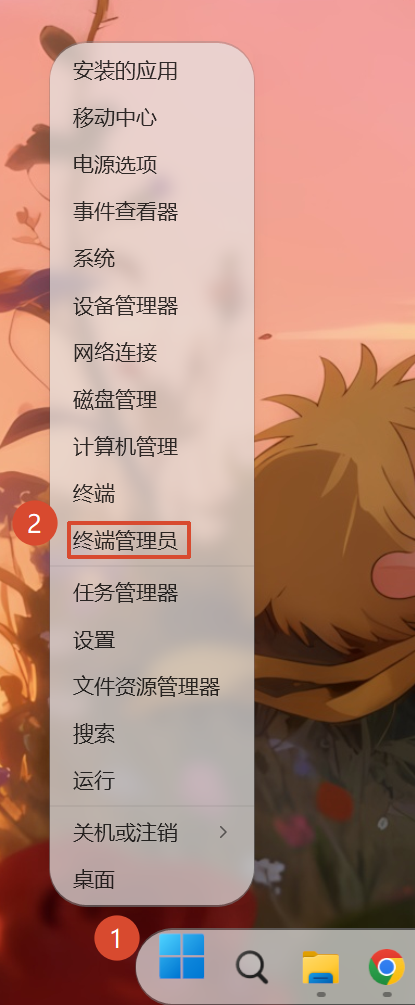
右键开始图标,点击:终端管理员
创建环境
输入命令
conda create -n mineru python=3.11 -y切换环境
输入命令
conda activate mineru输入官方安装命令
pip install --upgrade pip -i https://mirrors.aliyun.com/pypi/simple
pip install uv -i https://mirrors.aliyun.com/pypi/simple
uv pip install -U "mineru[all]" -i https://mirrors.aliyun.com/pypi/simple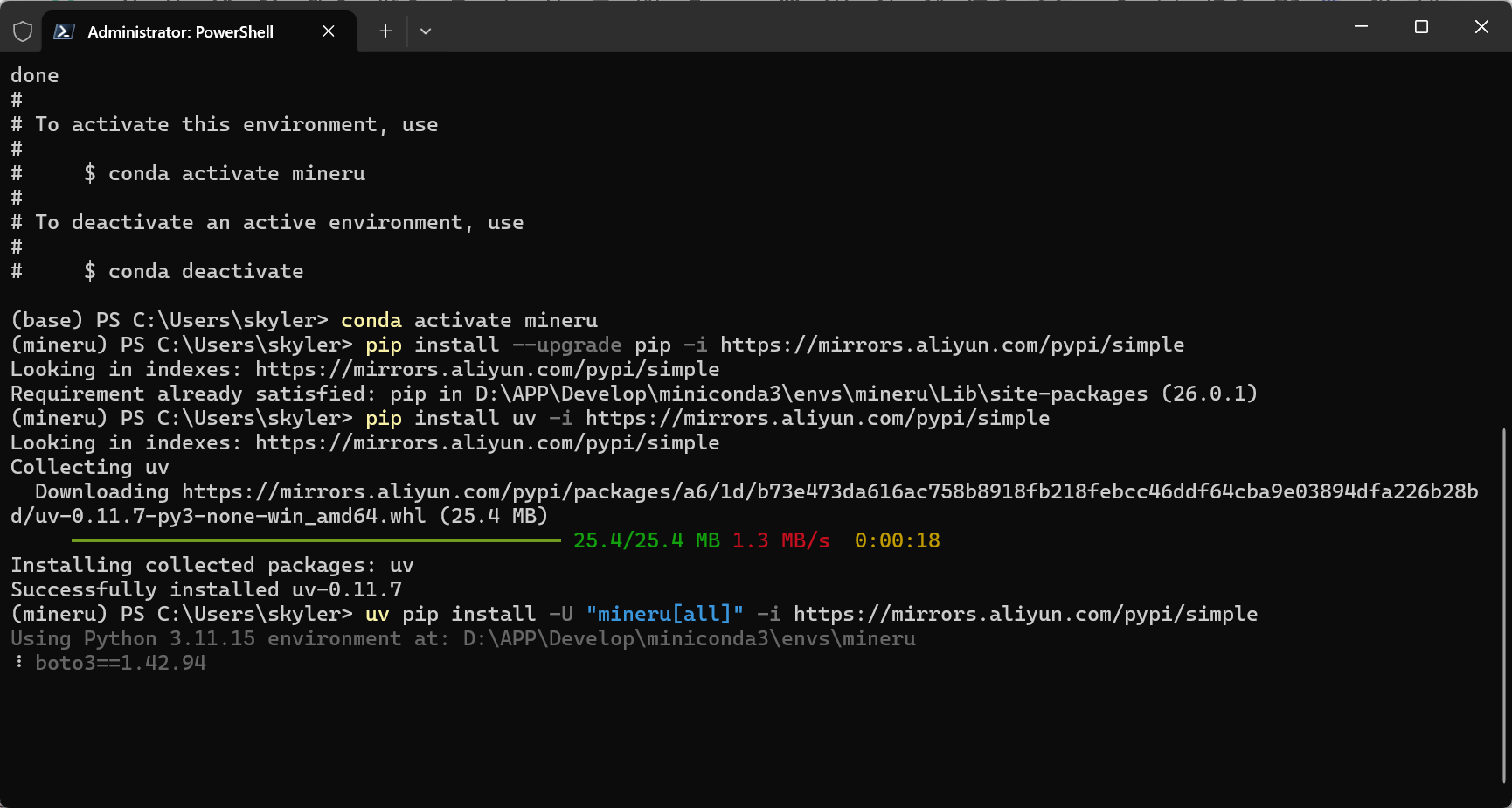
卸载CPU版本的Torch
pip uninstall torch torchvision torchaudio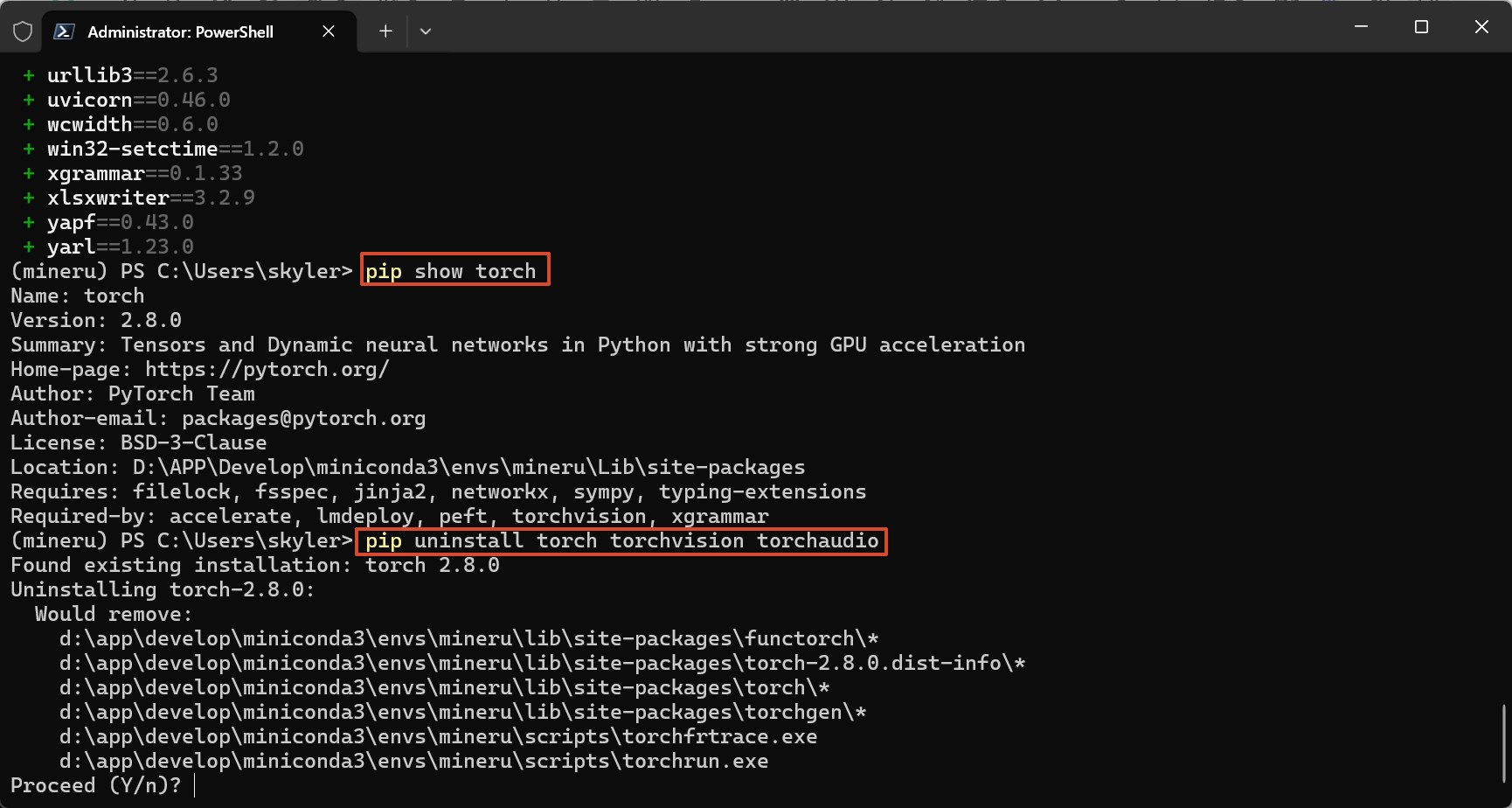
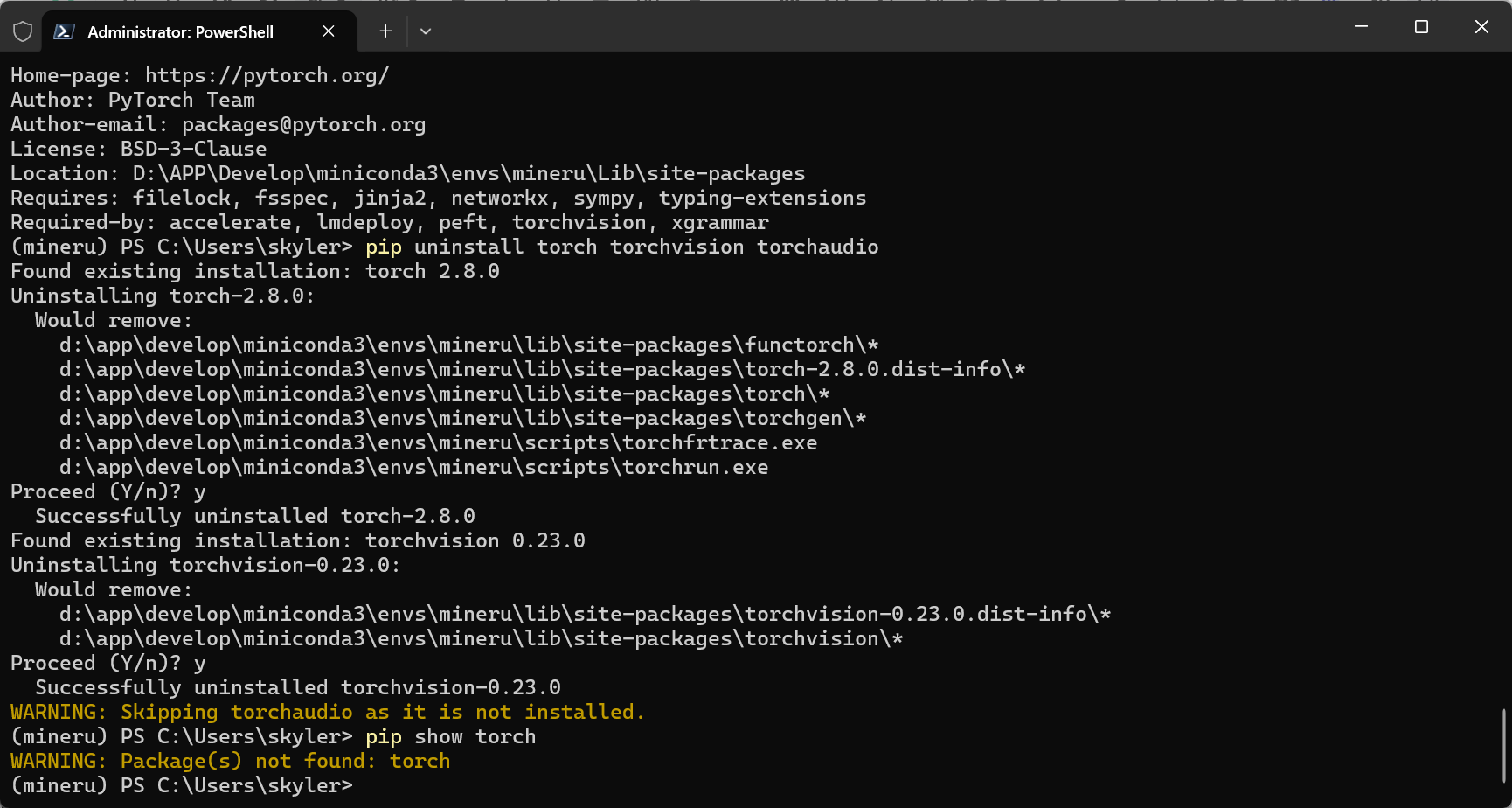
安装GPU版本的Torch
pip install torch==2.8.0 torchvision==0.23.0 torchaudio==2.8.0 --index-url https://download.pytorch.org/whl/cu129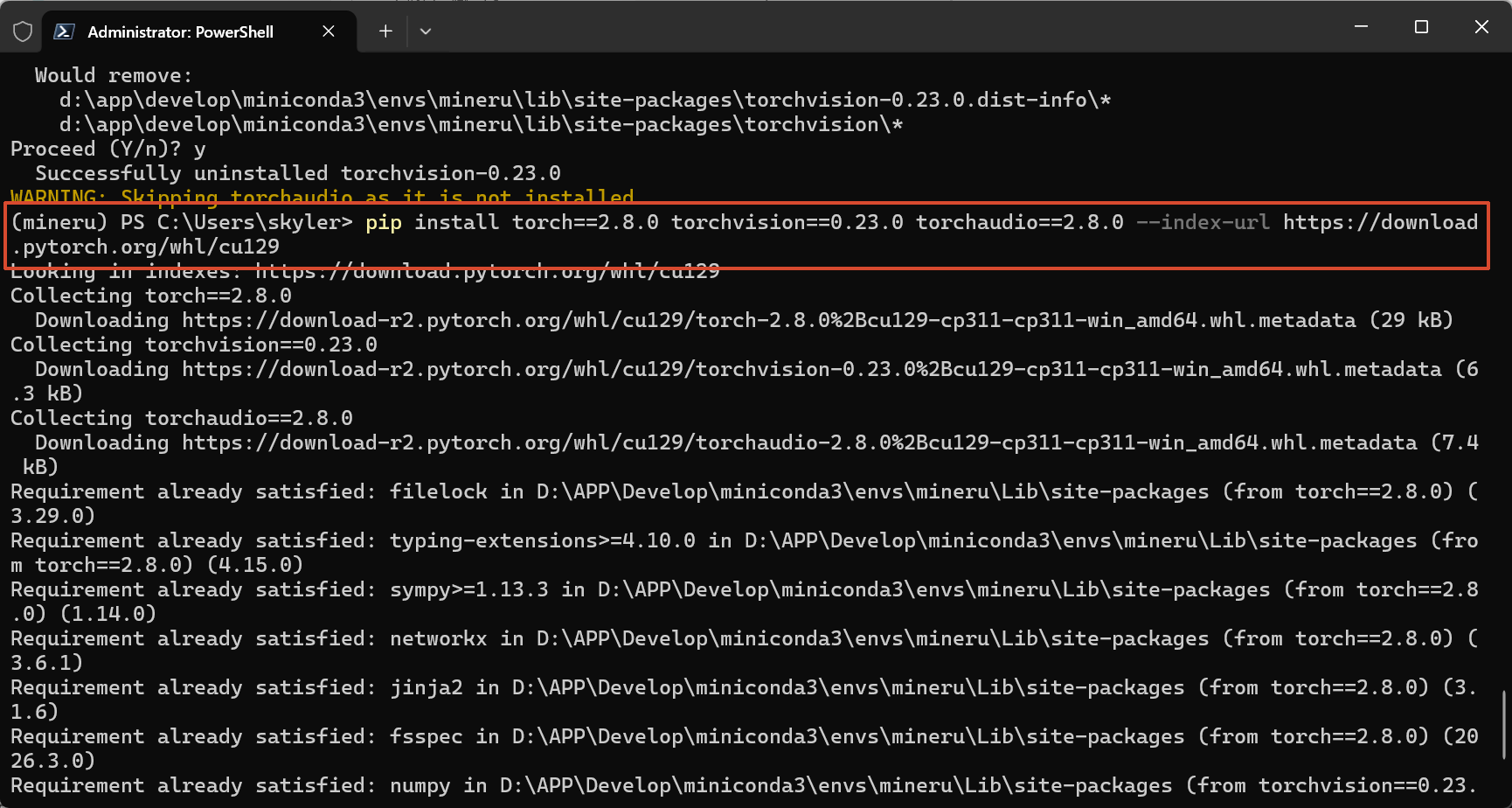
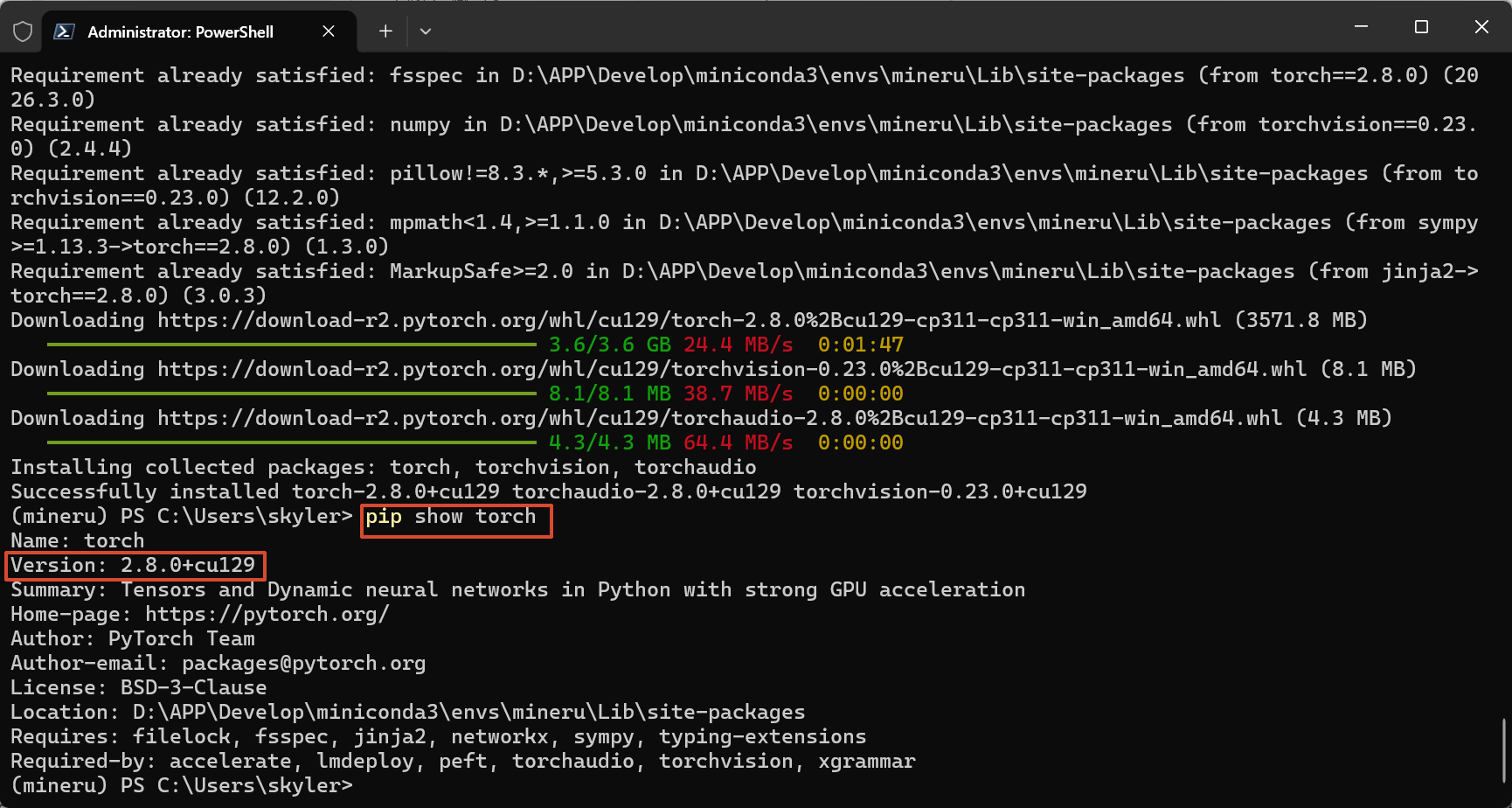
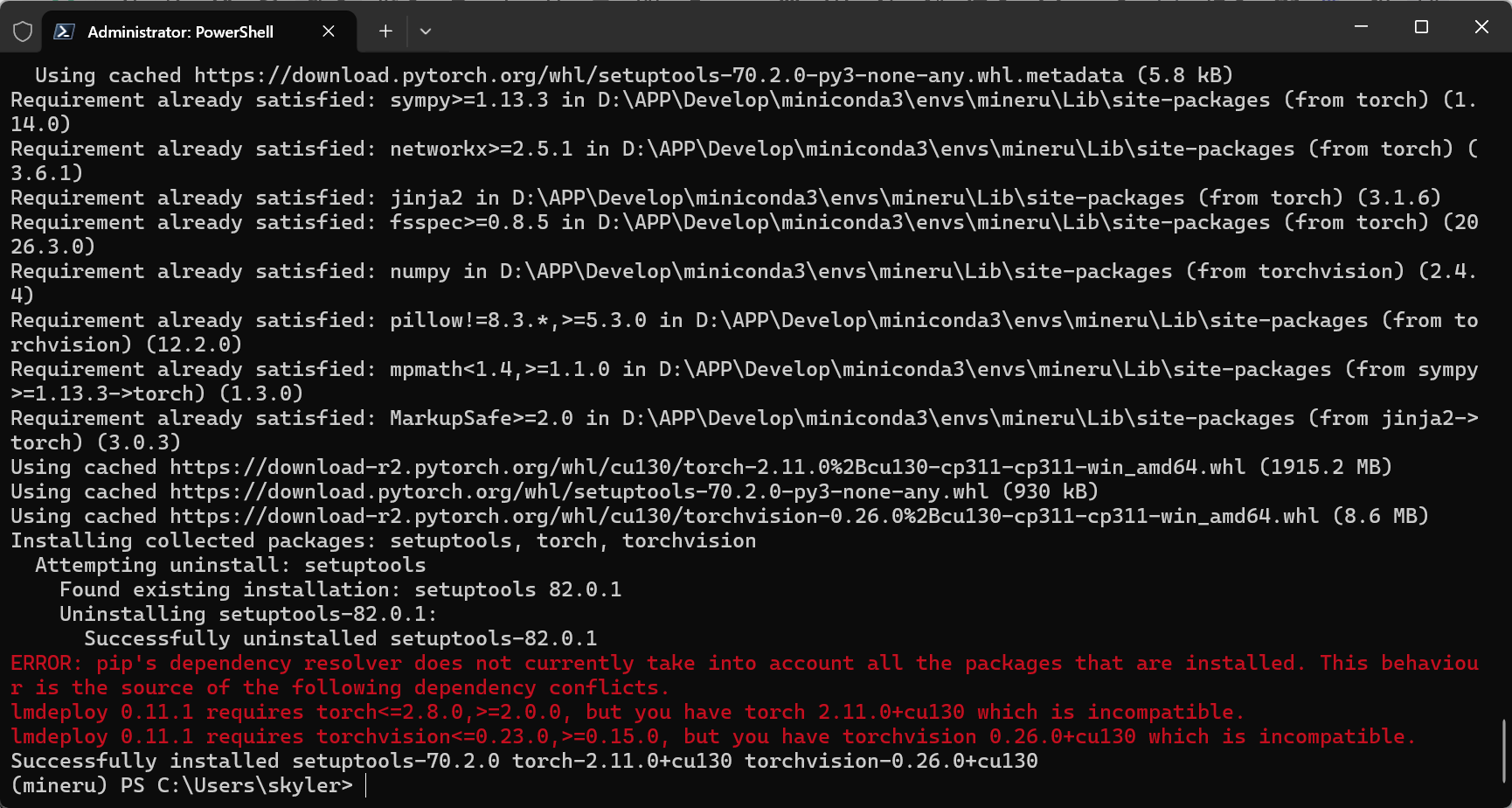
需要注意Torch版本,不能盲目安装最新版,否则会报错
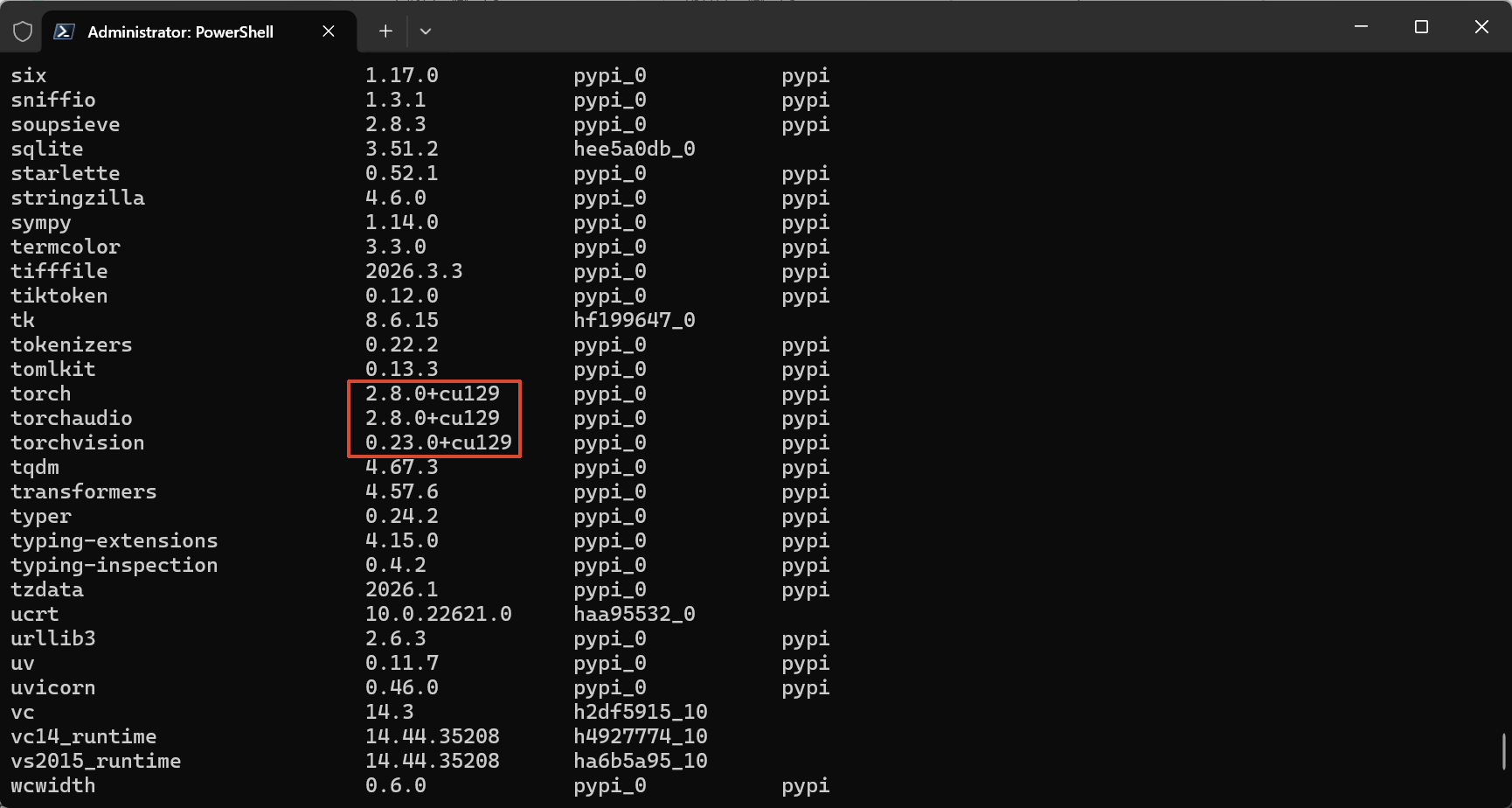
输入命令
conda list可看见带Cuda的Torch
下载模型到本地
输入官方命令
mineru-models-download默认直接回车即可,如网络有问题需要切换:modescope
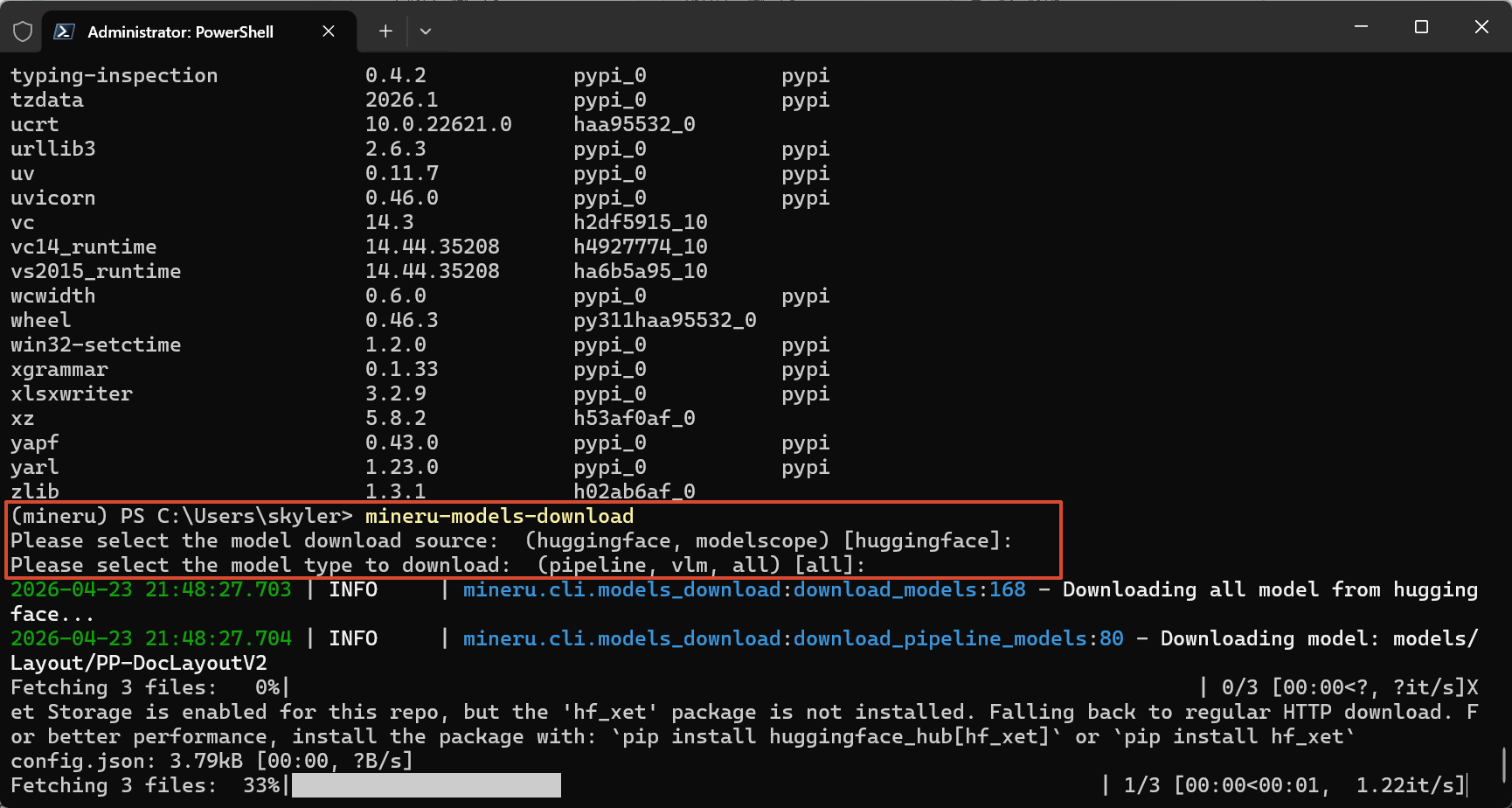
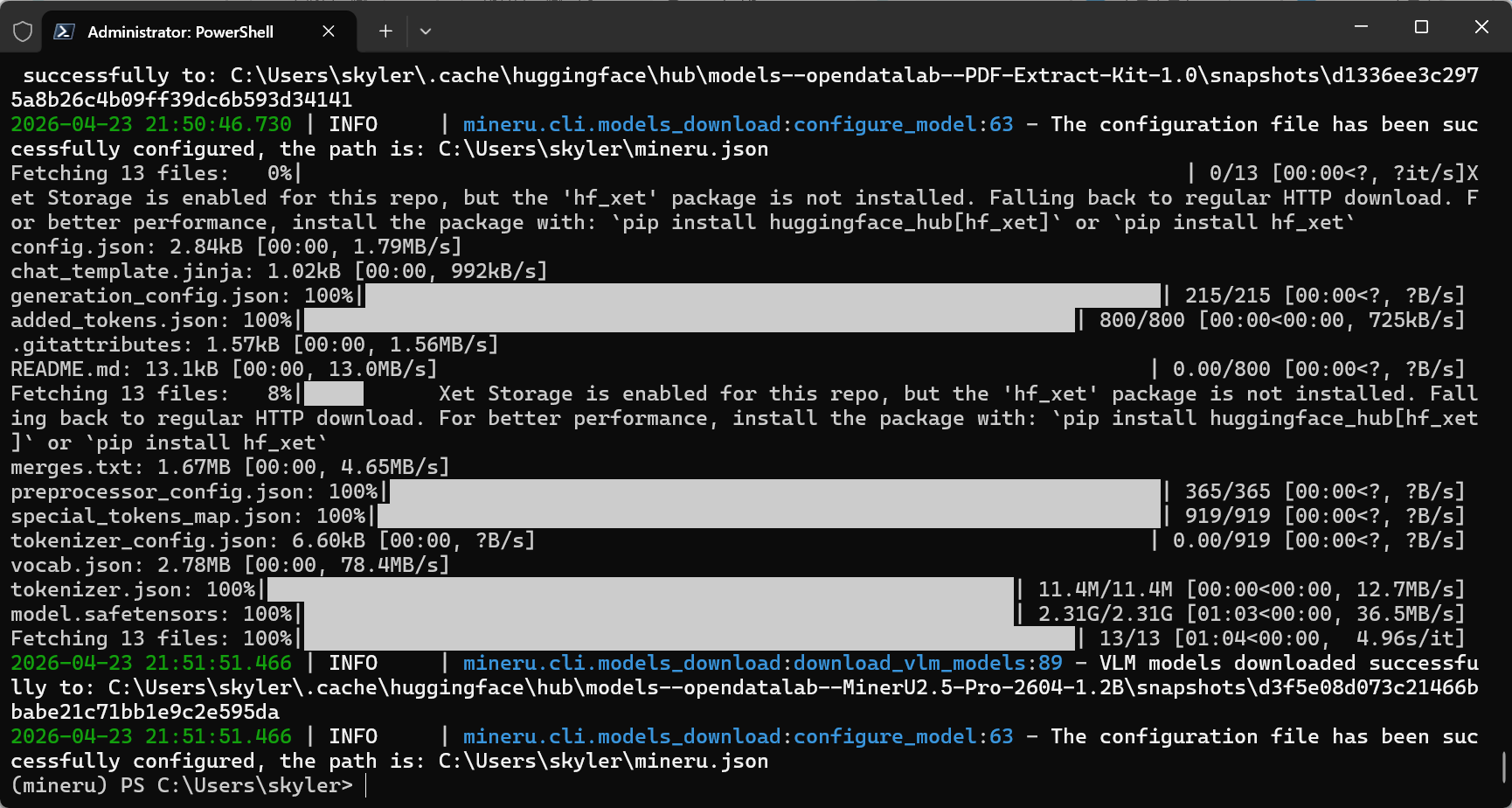
至此所有安装结束。
启动
通过fast api方式调用
mineru-api --host 0.0.0.0 --port 8000启动gradio webui可视化前端
mineru-gradio --server-name 0.0.0.0 --server-port 7860这里以gradio webui 为例
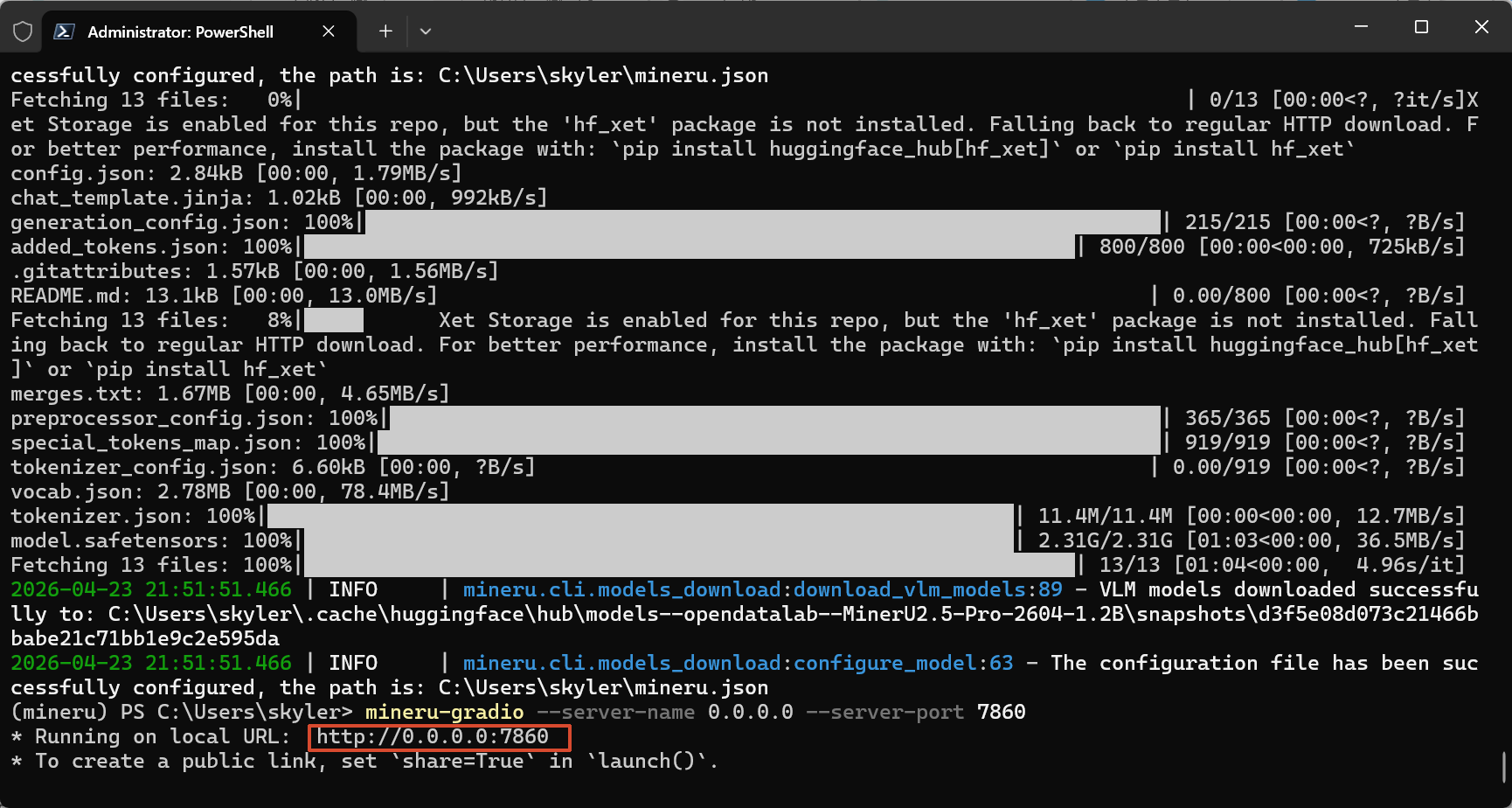
Ctrl加鼠标点击即可打开链接
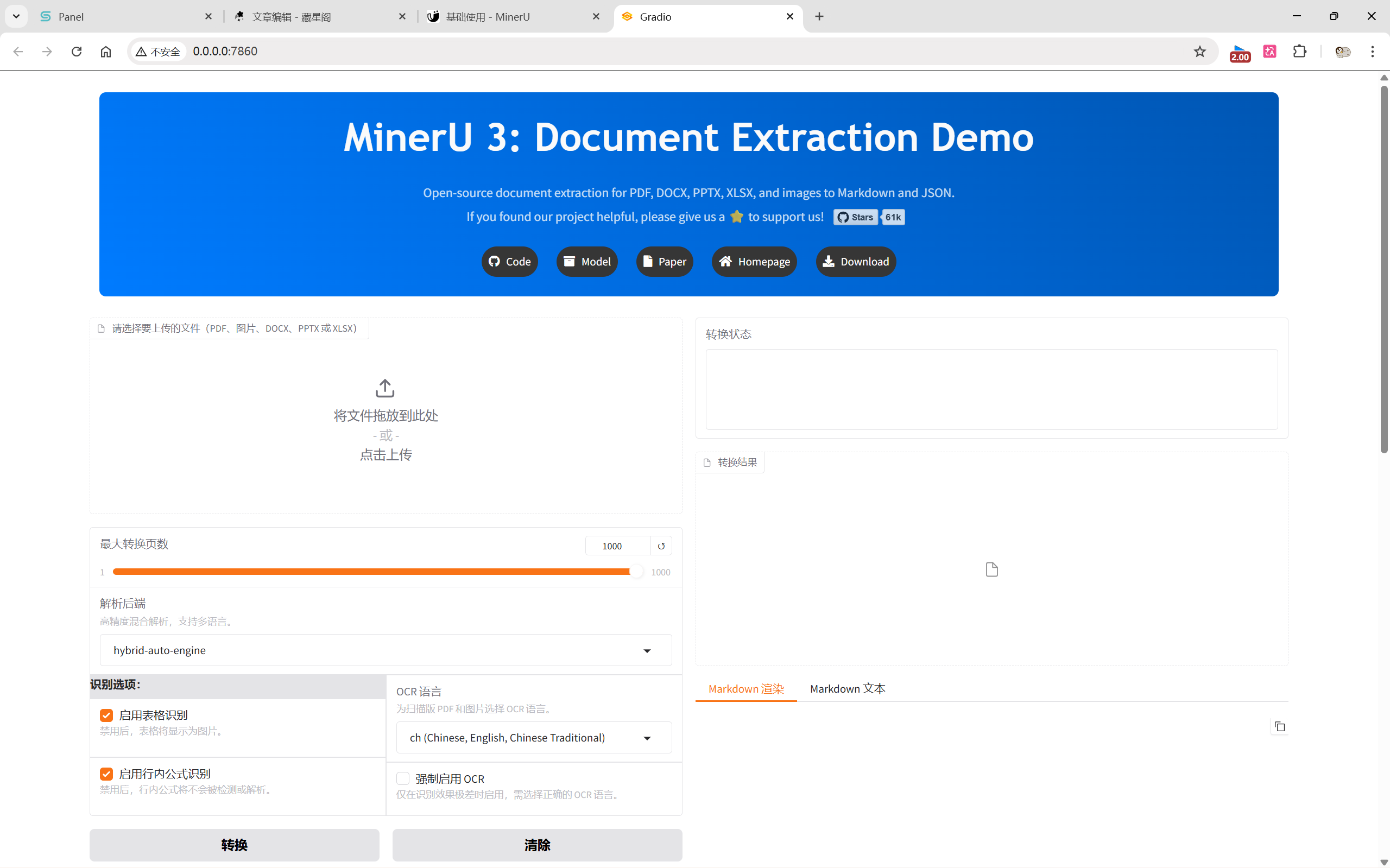
点击上传,并转换。
扩展
core + pipeline 的部署方式
仅需在这一步改变命令:uv pip install "mineru[core]"
输入命令
pip install --upgrade pip -i https://mirrors.aliyun.com/pypi/simple
pip install uv -i https://mirrors.aliyun.com/pypi/simple
uv pip install "mineru[core]"
其余不变。